
How to Undo Your Last Git Commit (But Keep the Code)
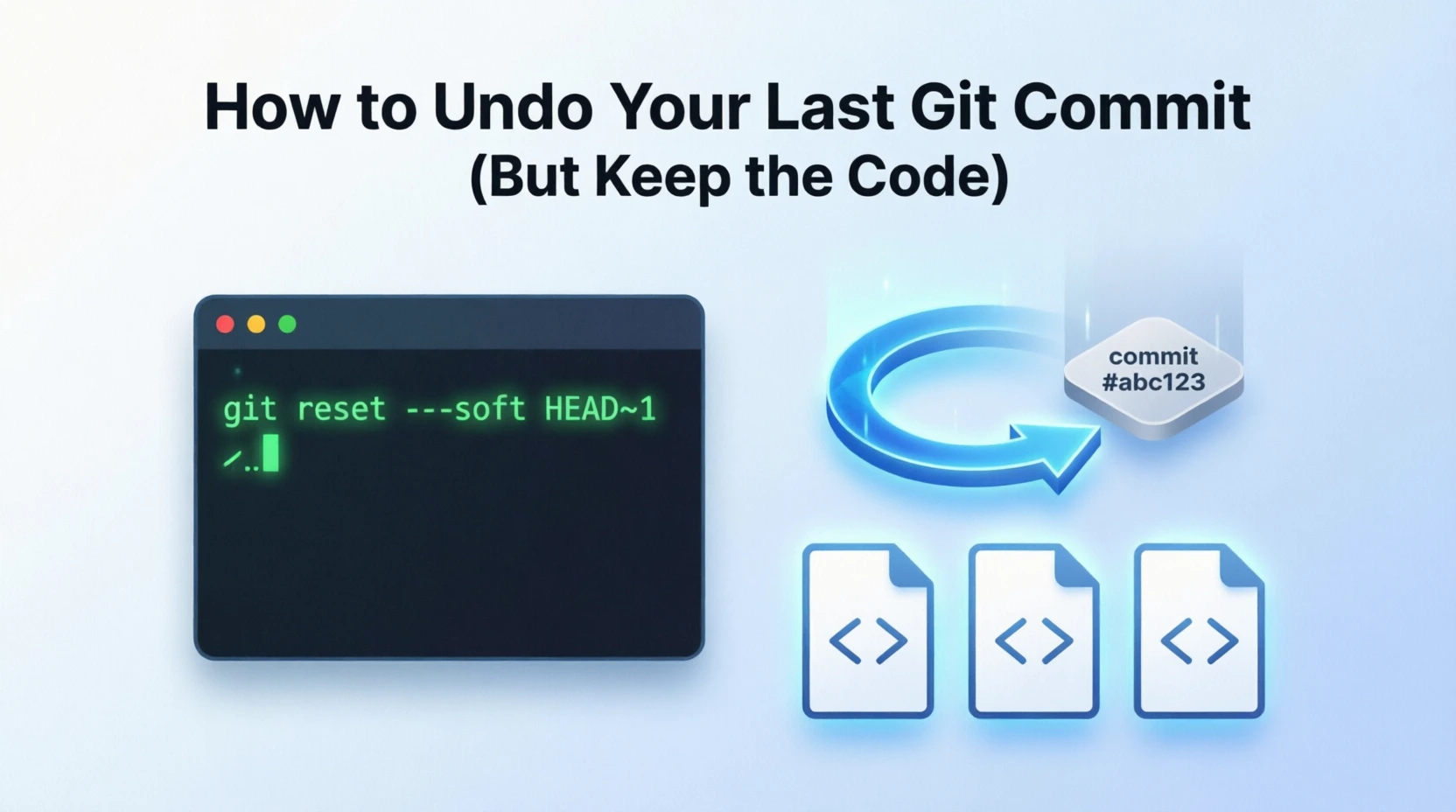
We’ve all done it — committed too early, committed to the wrong branch, or just
want to “uncommit” so we can review the changes again before redoing it properly.
The good news: Git makes this painless, and you don’t have to lose a single line
of code.
The one command
git reset --mixed HEAD~1--mixed is the default, so this is the same thing:
git reset HEAD~1That’s it. Your last commit is gone, but every change it contained is still sitting
in your working directory — now showing up as modified files in git status, ready
to be edited, re-staged, or re-committed.
What’s actually happening
The command does two things:
HEAD~1moves your branch pointer back by one commit (drops the last commit).--mixedkeeps your files exactly as they are on disk, but unstages them,
so they appear asM(modified) ingit status.
The three flavors of reset
This is the part worth memorizing — the difference between the three modes:
| Command | Commit removed? | Code kept? | Staged? |
|---|---|---|---|
git reset --soft HEAD~1 | ✅ yes | ✅ yes | ✅ yes (staged) |
git reset --mixed HEAD~1 | ✅ yes | ✅ yes | ❌ no (unstaged) ← what you wanted |
git reset --hard HEAD~1 | ✅ yes | ❌ deleted | — |
- Use
--softif you want to re-commit immediately (everything stays staged). - Use
--mixedif you want to review/edit before re-committing — this is the safe default for “uncommit but keep my work.” - Use
--hardonly when you genuinely want to throw the changes away. There’s no
undo button here.
Undoing more than one commit
Just bump the number:
git reset --mixed HEAD~2 # undo the last 2 commits, keep all the codeA note if you already pushed
If the commit was already pushed to a remote, a local reset only changes your local
branch — the remote still has the commit. When you re-commit and push again, you’ll
likely need to either commit on top of the remote, or force-push to realign:
git push --force-with-lease--force-with-lease is safer than a plain --force because it refuses to overwrite
work someone else may have pushed in the meantime.
TL;DR: git reset --mixed HEAD~1 undoes your last commit and keeps the code as
uncommitted changes. Remember --soft keeps it staged, --hard deletes it.

![Git Pull [–force] Git Push [–force] Git Revert and Git Reset –hard Tutorial](https://blog.hassam.dev/wp-content/uploads/2024/03/git-reset-hard-1024x829-1-768x622.webp "Git Pull [--force] Git Push [--force] Git Revert and Git Reset --hard Tutorial 2")